Learn about main applications and query languages
OpenSearch Dashboards provides several applications for working with your data. The standard workflow is to explore your data, build individual visualizations, then assemble those visualizations into a dashboard.
The Discover application
The Discover application lets you search, filter, and examine your data interactively. Use it to understand what fields are available, how data is distributed over time, and what patterns exist.
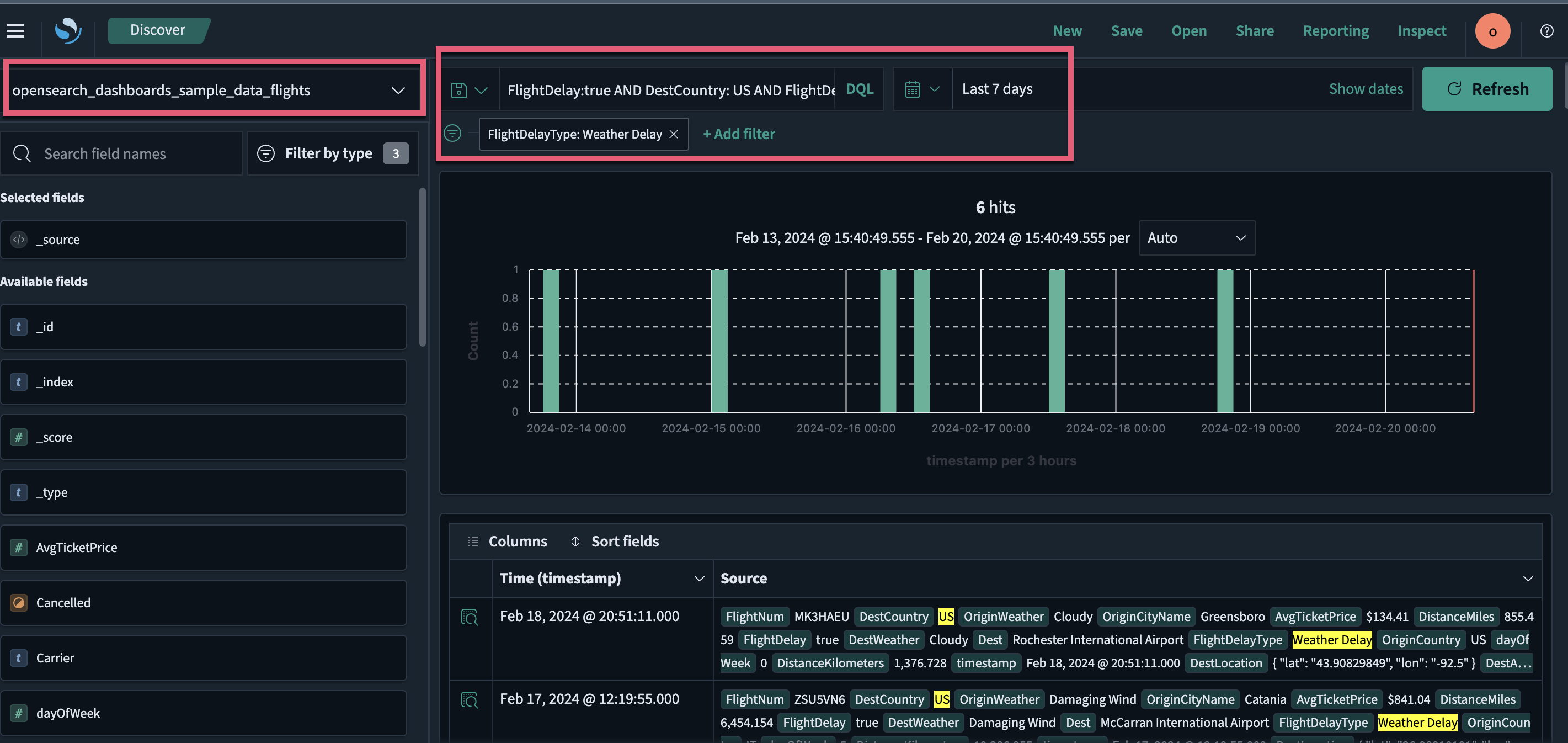
For a hands-on tutorial, see Explore the Discover application. For the full reference, see Exploring data with Discover.
The Visualize application
The Visualize application lets you create charts, maps, tables, and other visual representations of your data using a point-and-click interface. You select a visualization type, configure metrics and buckets, and adjust display settings.
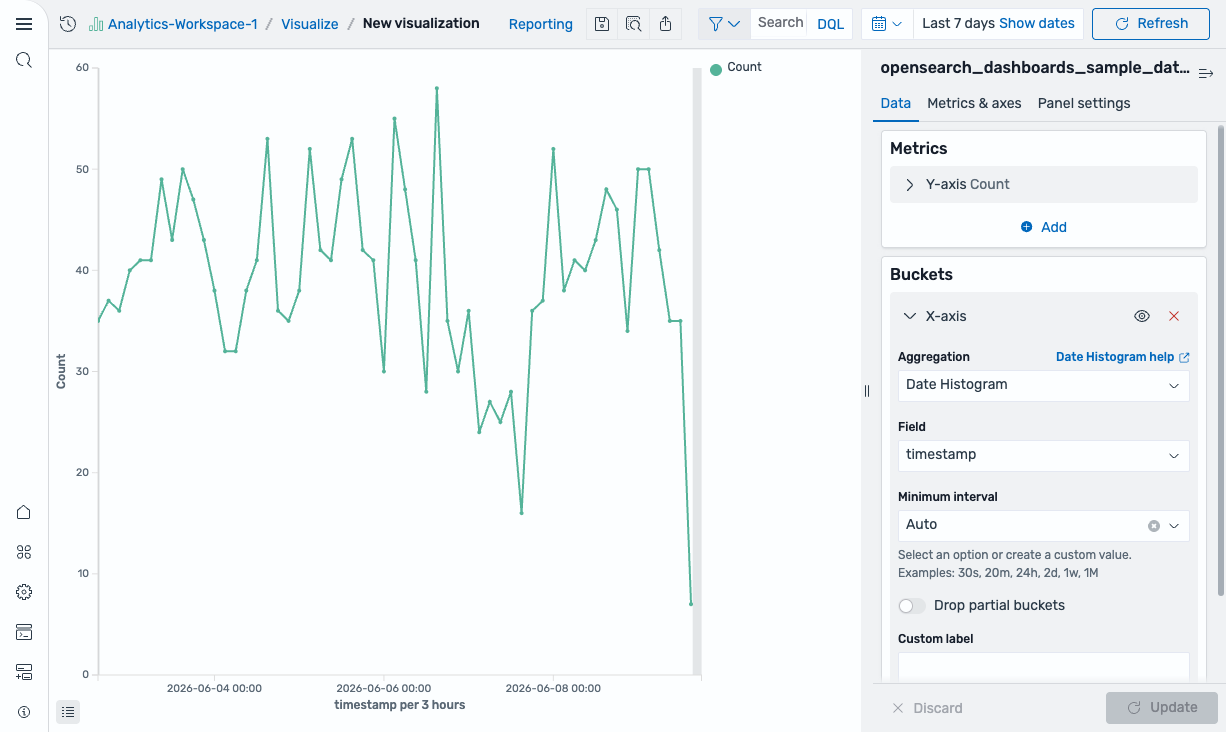
For a hands-on tutorial, see Explore the Visualize application. For the full reference, see Creating visualizations in the Visualize application.
The Dashboards application
The Dashboards application lets you combine multiple visualizations into a single page for monitoring and analysis. You can add existing visualizations, create new ones, resize and reposition panels, and apply filters that affect all panels simultaneously.
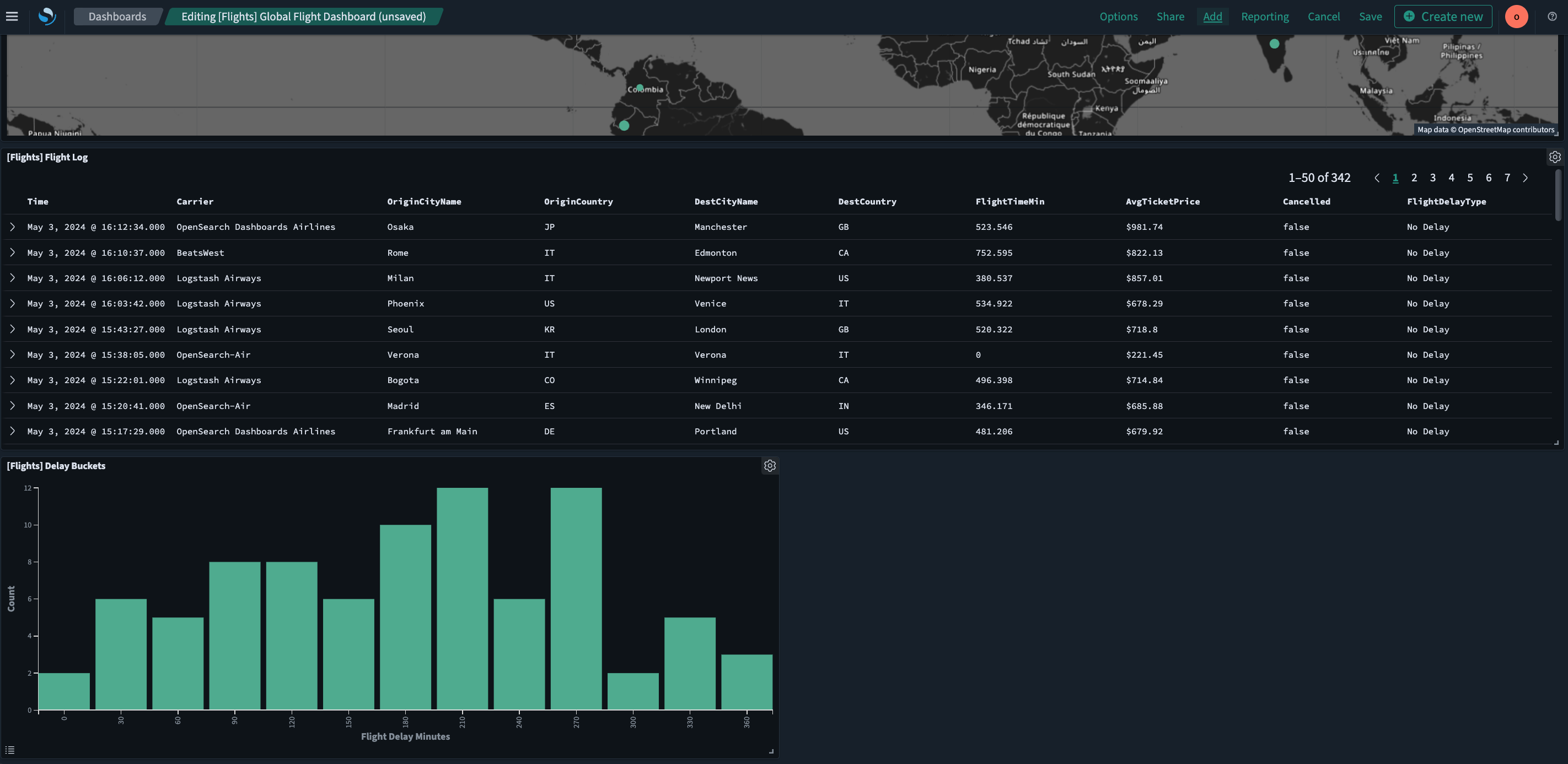
For a hands-on tutorial, see Explore the Dashboards application. For the full reference, see Creating dashboards.
Dev Tools
The Dev Tools console lets you run OpenSearch API queries directly using Query DSL. Use it to test queries, manage indexes, and perform cluster operations without leaving the browser.
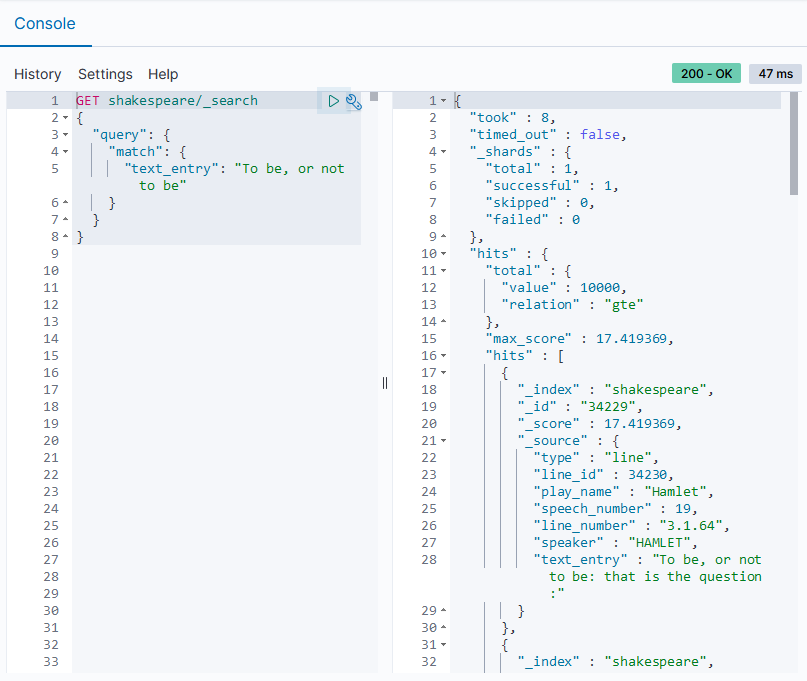
For a hands-on tutorial, see Run queries in the Dev Tools console. For the full reference, see Dev Tools.
Query languages
In OpenSearch Dashboards, different applications support different query languages.
| Application | Query languages | Use case |
|---|---|---|
| Discover and Dashboards search bar | DQL or query string (Lucene) | Quick searches and filtering |
| Dev Tools console | Query DSL | Full API access to OpenSearch |
| Query Workbench | SQL or PPL | Querying data using familiar syntax |
| Visualization editor | PPL or PromQL | Query-driven visualizations (requires workspaces) |
Next steps
- Try the first hands-on tutorial in Explore the Discover application.